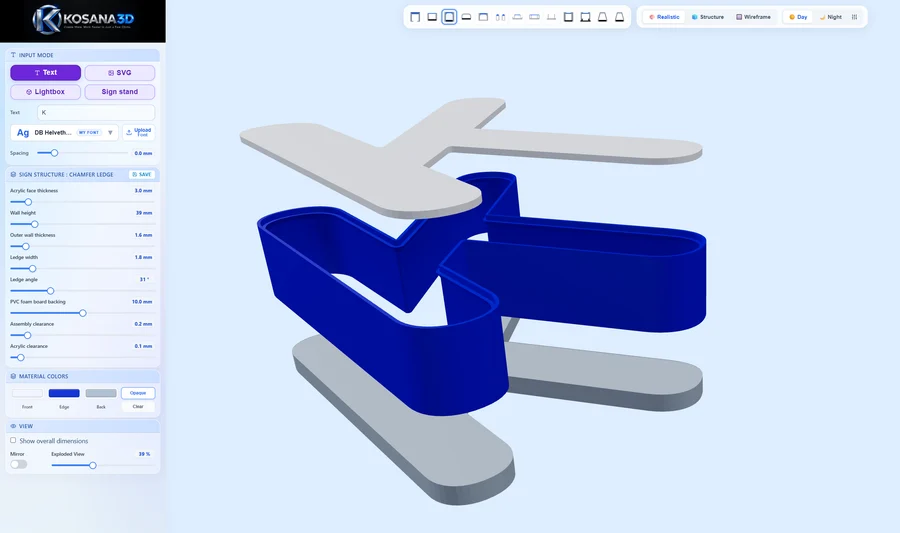
3D lettering
Start with text or SVG. Choose a structure, adjust wall thickness and see how the parts fit together.
FROM YOUR IDEA TO YOUR NEXT SIGN
Design 3D lettering, lightboxes and sign stands in your browser. Preview your design and prepare STL, DXF and other files for the next step.
Try without signing in · Sign up when you download
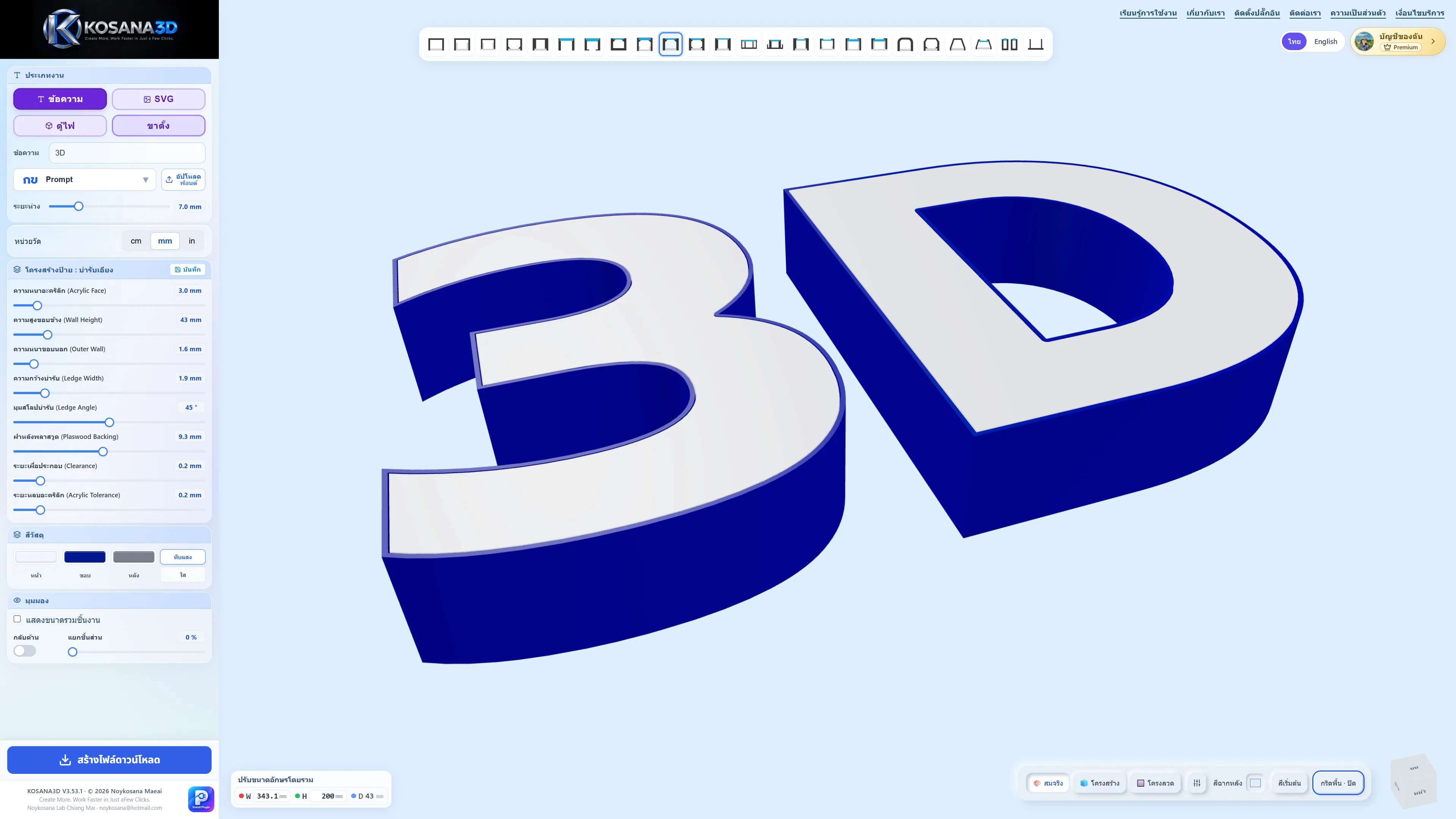
ONE WORKSPACE, MORE POSSIBILITIES
From individual letters to a complete sign display.
Start with text or SVG. Choose a structure, adjust wall thickness and see how the parts fit together.
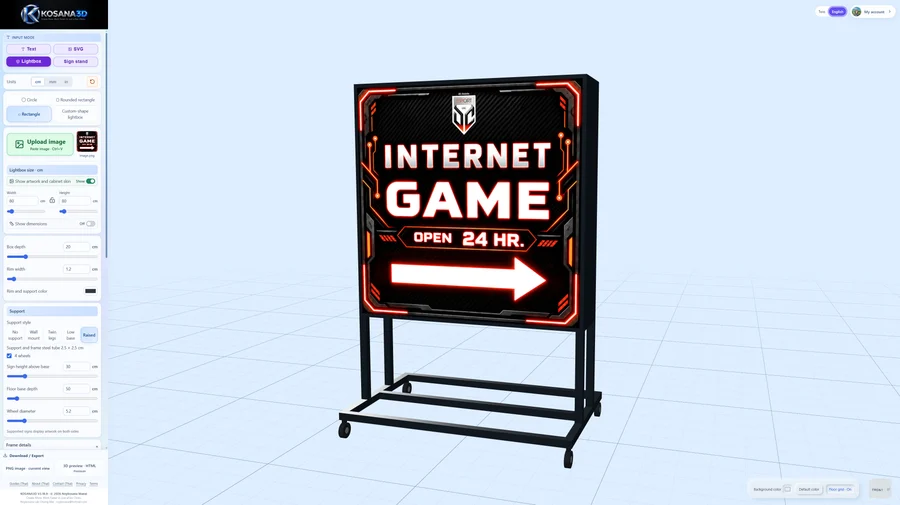
Add your artwork, set the cabinet dimensions and preview the frame, supports and lighting.
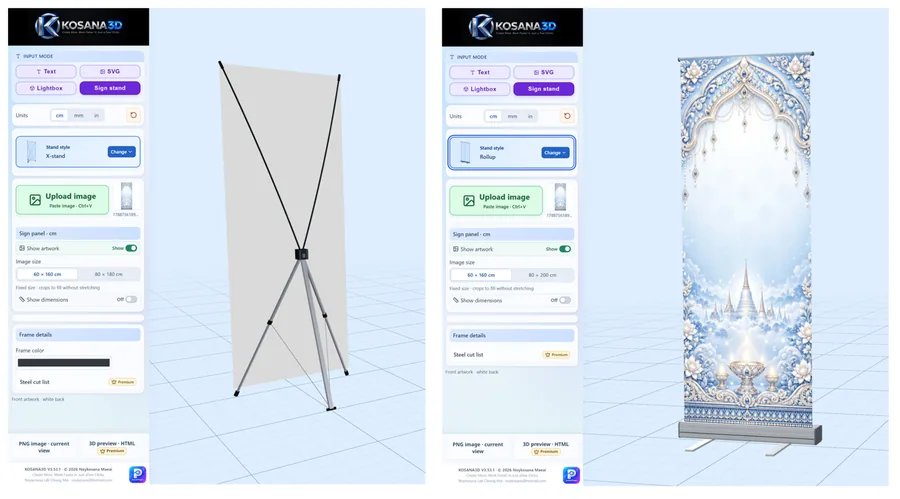
Choose a stand style, adjust its dimensions and arrange signs together in one scene.
A CLEAR PATH FROM ARTWORK TO FILES
Type text, import SVG or add an image. Send supported artwork from Illustrator, Photoshop or CorelDRAW with the plugin.
Set dimensions, materials and structure. Rotate the 3D view and review the design before the next step.
Choose the available exports for your design mode and membership, then inspect the files before printing or cutting.
BEFORE YOU START
More details and examples are on the learning page.
Yes. You can start designing without signing in. Create an account when you want to download files; some exports and features require Premium.
Lettering supports STL for printing and DXF for cutting. Preview and 3D export options depend on the design mode and your membership. The learning page explains the available files.
Recent designs, imported fonts and settings are stored in this browser. They are not automatically backed up to the cloud. Keep your source files and export your work before clearing browser data.
Use the preview to develop the design, then check dimensions, material clearances and strength. Inspect exported files in your slicer or cutting software before production.
KOSANA3D