KOSANA3D guides
From your first letters
to files you can check.
Keep the editor open beside this guide. Start with a short word, then learn how to bring in your own artwork and choose the right download.
A practical starting point
Each topic opens the relevant section of the English quickstart.
 Start here
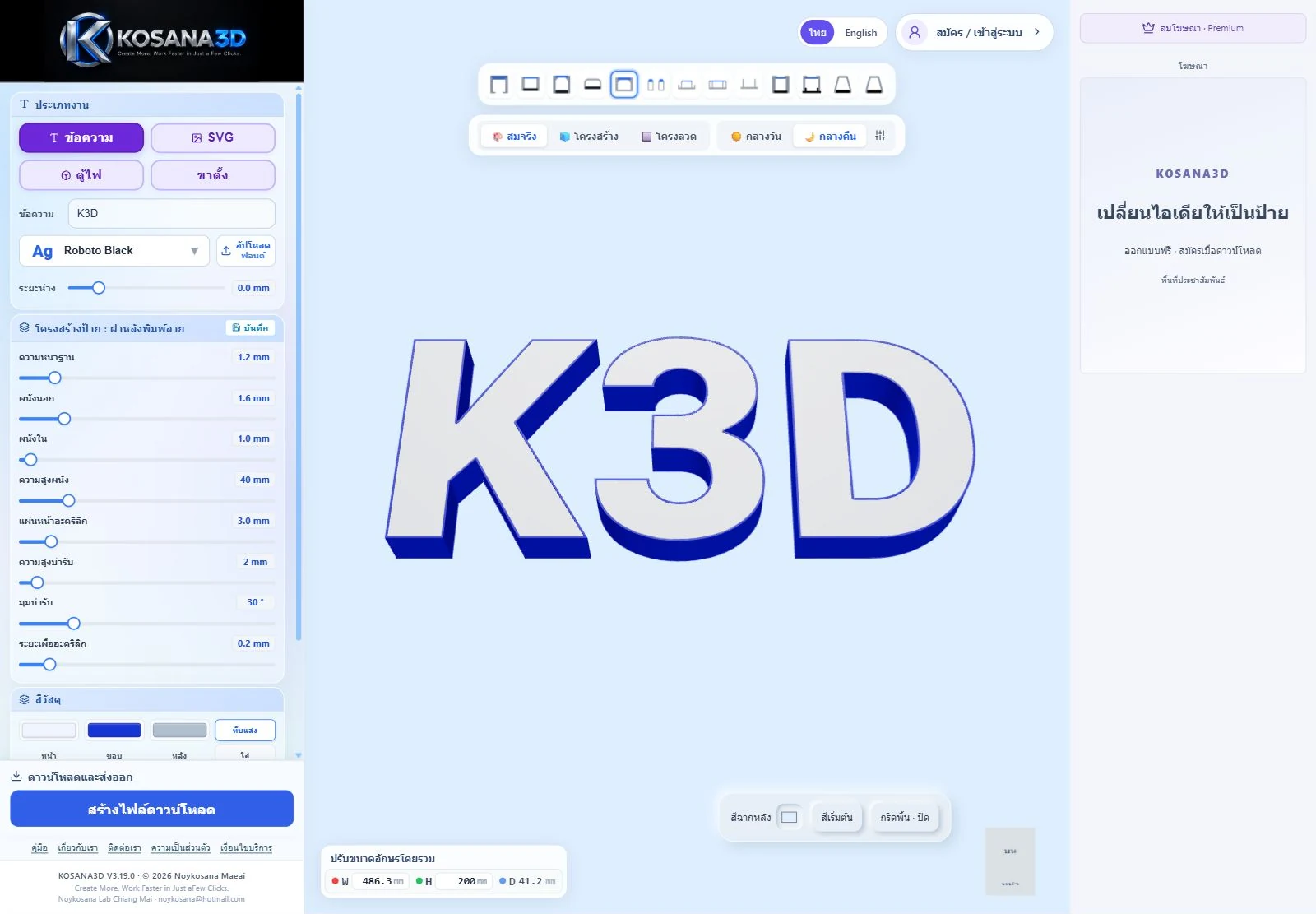
Make your first letters
Type K3D, choose a construction profile, set the size and inspect the preview.
 Bring your artwork
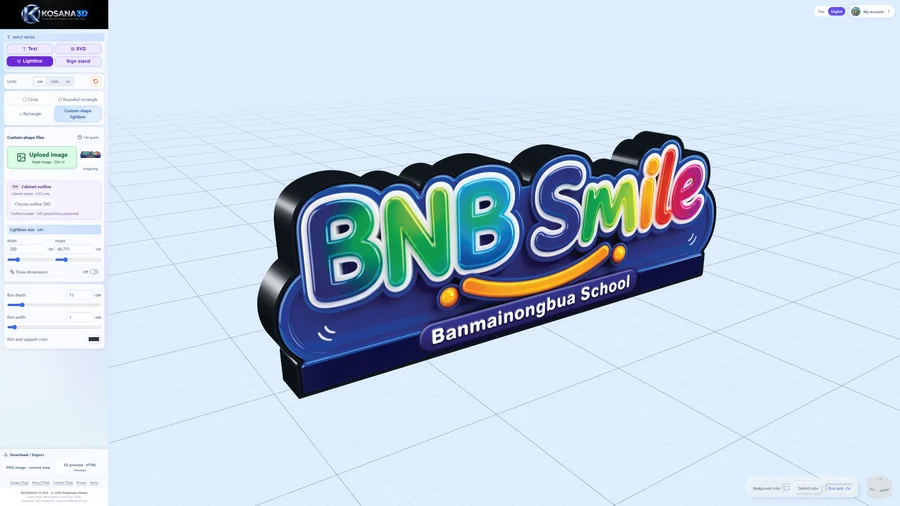
Prepare an SVG
Use outlined text and clean vector shapes. Check holes and scale after import.
 Choose your files
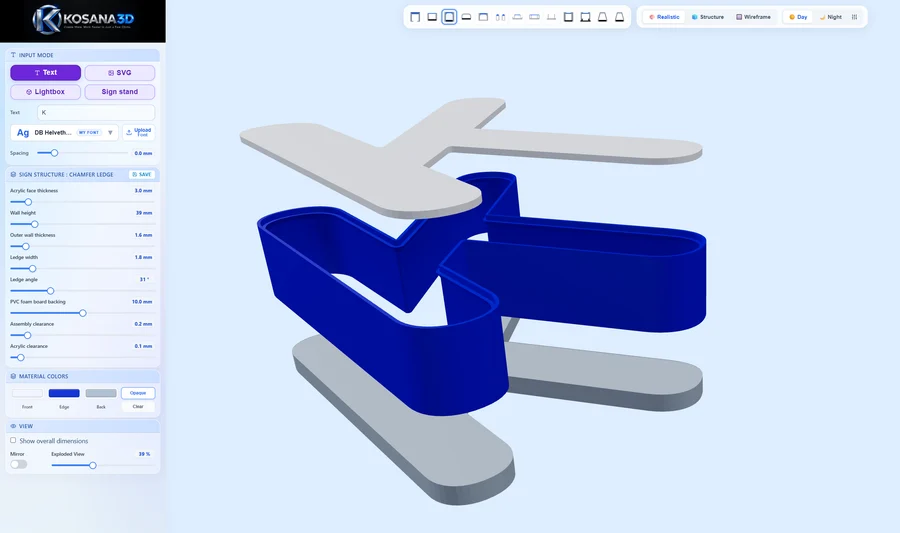
Download STL, DXF or a preview
Find the export that matches your job, and check it in your production software.
Keep your work
Understand local saving
Know what stays in this browser and what to keep before moving to another device.
 When something looks wrong
Fix common problems
Check fonts, small details, units and missing download options.
Before you start
A few things to know
Do I need an account to try the editor?
You can start designing without signing in. Sign in or create an account when prompted to download. Free members can download letter STL/DXF files and Lightbox / Sign stand PNG images. HTML previews and the combined letter ZIP require Premium access.
How does the Premium trial start?
An eligible account can receive a one-time 10-day trial when it first uses a Premium feature and the service confirms access. Check the expiry date in My account. The trial does not charge you automatically when it ends. See the Premium terms.
Can I use inches?
Yes. Under Units, select cm, mm or in before entering dimensions. Text / SVG, Lightbox and Sign stand support these display and input units. Manufacturing exports remain in millimetres, so check the dimensions again in your slicer or cutting software.
Will signing in restore my work on another computer?
No. Your latest work and uploaded fonts are stored in the browser on the original device. Signing in does not sync them to another computer. Read how local saving works before switching devices or clearing browser data.